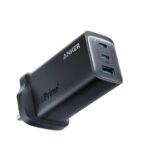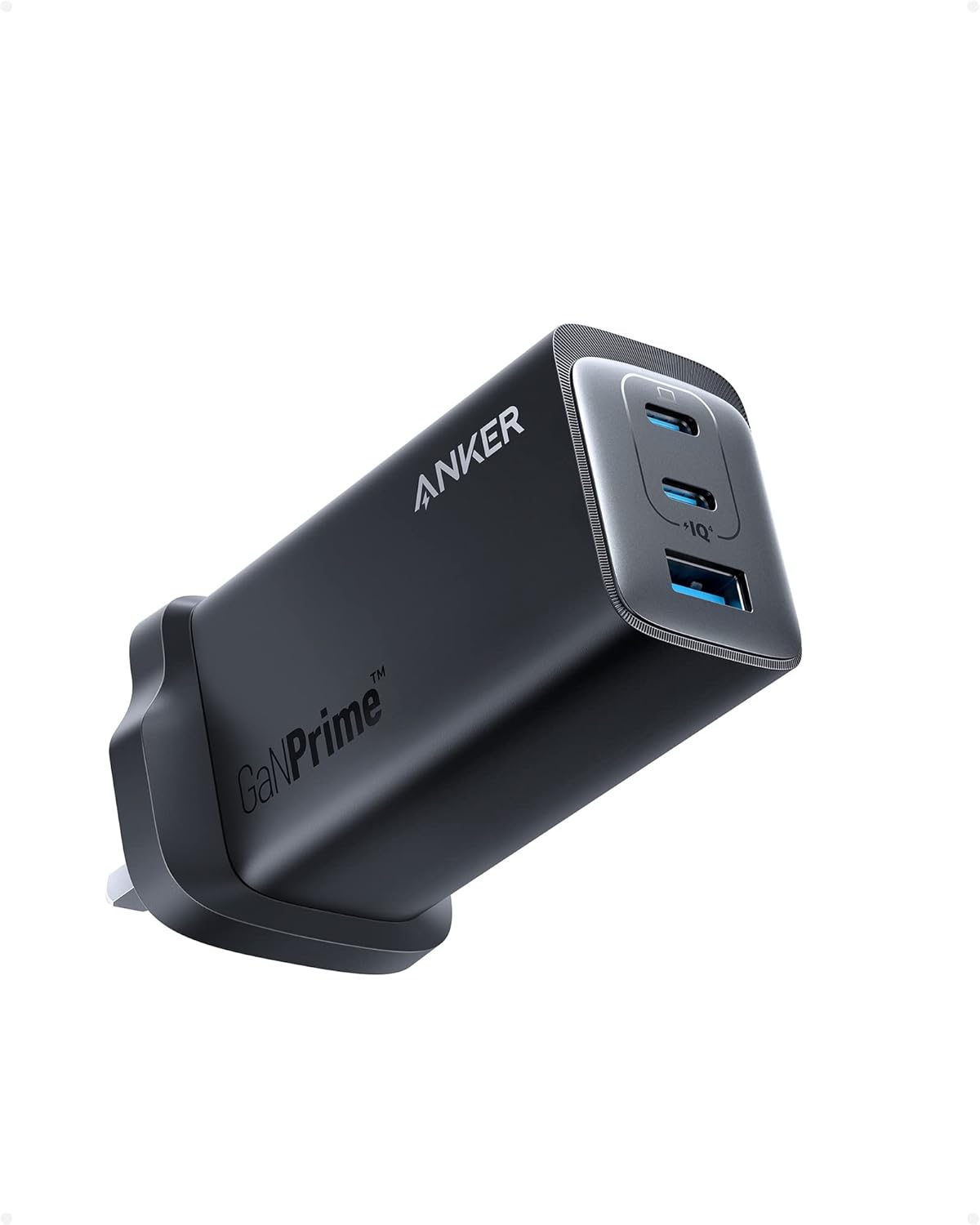
Choosing between the Anker 737 GaNPrime and Anker 735 GaNPrime can be tricky. Both offer excellent build quality and GaN efficiency, but there are important differences in power output, size, and price. Let’s break it down.
Buy on Amazon:
Anker 737 GaNPrime 120W →
Anker 735 GaNPrime 65W →
Quick Comparison Table
| Feature | Anker 737 | Anker 735 |
|---|---|---|
| Max Output | 120W | 65W |
| USB-C Ports | 2 | 2 |
| USB-A Ports | 1 | 1 |
| Weight | ~220g | ~132g |
| Best For | Dual laptop charging | One laptop + phone/tablet |
| Price Range | £85–£95 | £45–£55 |
Performance Differences
- Anker 737: Can deliver up to 100W from a single port, ideal for high-demand laptops like the MacBook Pro 16” or Dell XPS 17.
- Anker 735: Maxes at 65W total, enough for smaller laptops, tablets, or phones.
Portability & Travel
- 735 wins on size and weight — slips easily into a laptop sleeve.
- 737 is still compact but heavier; better for users needing more power flexibility.
Price & Value
- 735 is more budget-friendly.
- 737 offers more charging options, making it better value if you charge multiple high-power devices.
Verdict
If you have two laptops or a power-hungry setup, go for the 737. If you only need to charge a single laptop and a phone, the 735 will save you money and weight.
Main 737 Review, Deals Page, Best MacBook Chargers)
Related Posts
- Anker 737 Review (2025) – Ultimate 120W USB-C Charger?
- Best USB-C Chargers for MacBook Pro in 2026
- Anker 737 Troubleshooting: Overheating, Slow Charging
- Best Accessories for Anker 737 GaNPrime
Simultaneous Charging & Power Distribution
One of the most common questions about multi-port chargers is: what happens when you plug in multiple devices at once? The 737 and 735 handle this very differently, and understanding the power distribution is crucial to getting the most from your charger.
The 735 Under Load: The Anker 735’s 65W total output is shared across all ports. When you plug in two devices simultaneously, the power divides between them. For example, if you connect a laptop requiring 45W and a phone needing 18W, the charger will attempt to provide both, but neither will receive optimal power. This can result in slower charging times, especially for the laptop. If you charge multiple devices regularly, expect noticeable delays—a MacBook Air might charge at 40W instead of its full potential.
The 737’s Intelligent Power Management: The 737’s dual USB-C design with up to 100W per port makes it far more capable for simultaneous charging. You can plug in two laptops and the charger automatically allocates power intelligently. Typical scenario: one port delivers 65W to a laptop, whilst the second port provides 45W to another device. The USB-A port can simultaneously output up to 18W for a phone or tablet. In practice, this means both devices charge at near-maximum speed without compromise.
Real-World Example: Charging a MacBook Pro 16″ (96W demand) and iPad Air simultaneously on the 735 forces the iPad to share the available power pool, potentially leaving both devices slightly underpowered. On the 737, the MacBook gets 65W from one USB-C port, the iPad gets 30W from the second port, and a phone can still charge via USB-A—all at reasonable speeds.
If you regularly charge multiple devices at once, this single feature justifies the 737’s premium price. You’re not just paying for wattage; you’re paying for the ability to charge multiple high-power devices without sacrifice.
Real-World Charging Times: What You Actually Need to Know
Specifications tell only part of the story. How quickly does each charger actually top up your devices? Here’s what you can realistically expect with common UK devices.
MacBook Pro 16″ (M3 Max)
The 737 charges a dead MacBook Pro 16″ to 50% in approximately 35 minutes, and reaches 80% in around 70 minutes. The 735 manages the same device, but more slowly—expect roughly 45 minutes to 50% and 90+ minutes to 80%. The difference compounds if you’re charging alongside another device; the 735’s shared 65W pool means both devices charge substantially slower.
iPad Air and iPhone Combination
Charging an iPad Air (45W) and iPhone 15 Pro (30W) simultaneously demonstrates the chargers’ real strengths. With the 737, both reach 50% in around 40 minutes. The 735 struggles noticeably—both devices charge at reduced speeds, with the iPad taking 50+ minutes to reach 50%. If speed matters (e.g., you need both devices ready quickly), the 737’s advantage is tangible.
Everyday Single-Device Charging
For a single device, the 735 performs admirably. An iPhone 15 reaches 50% in roughly 20 minutes from either charger. A standard MacBook Air (45W) charges to 80% in about 60 minutes on the 735, and 50 minutes on the 737. The gap narrows considerably when you’re only charging one device.
Practical Takeaway
- Choose the 737 if you frequently charge two high-power devices simultaneously—the speed difference justifies the extra £40.
- Choose the 735 if you primarily charge one device at a time; you’ll save money and barely notice the slower speed.
- Neither charger adds significant heat during normal use; both remain cool to the touch even under heavy load, thanks to GaN technology.
Charging times can vary slightly depending on cable quality and device age, so treat these figures as realistic approximations rather than guarantees.